

Our Goal
Our client approached us with a clear goal: to create a simple, web-based checklist that helps people manage tasks efficiently and stay focused.
At first, we assumed users simply wanted a cleaner, distraction-free tool…something faster and lighter than typical productivity apps like Trello or Notion.
With that in mind, our team set out to design a product that prioritized simplicity and ease of use above all else.
This was not a simple project to execute.
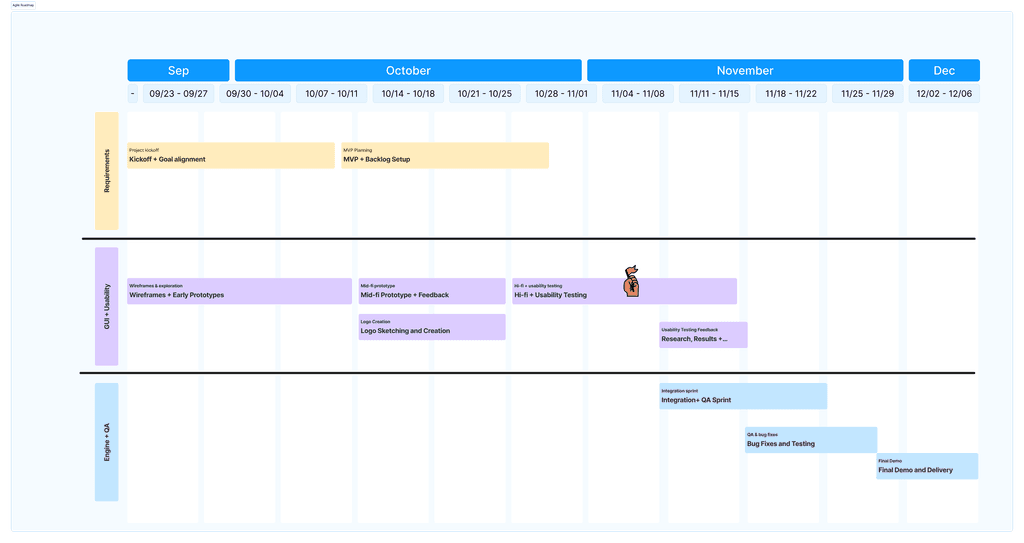
We had 14 weeks to take multiple design tracks from exploration to delivery while managing other ongoing coursework. Priorities shifted mid-process, and our planned usability testing window closed earlier than expected.
To stay on schedule, we collaborated with another class, providing them with our scripts and prototypes so they could run usability tests on our behalf. Their feedback allowed us to iterate quickly without derailing our timeline.
How We Worked 5 Teams, 14 Weeks:
We faced shifting priorities, unstable early builds, and compressed testing schedules.
USER INTERVIEWS
Although we started with stakeholder requirements to build this app, we grounded our decisions in user research. We conducted interviews and usability testing with students to understand how they manage tasks and deadlines.
Initially, we assumed students needed fewer tools, but our research revealed they needed clearer structure instead.
90% of users interviewed stated that they wanted a to-do list app focused on simplicity, with one user in particular stating:
"I use 5 apps and still forget deadlines. I just need a simple way to track my to-do lists.
Competitive Research
Although we started with stakeholder requirements to build this app, we grounded our decisions in user research. We conducted interviews and usability testing with students to understand how they manage tasks and deadlines.
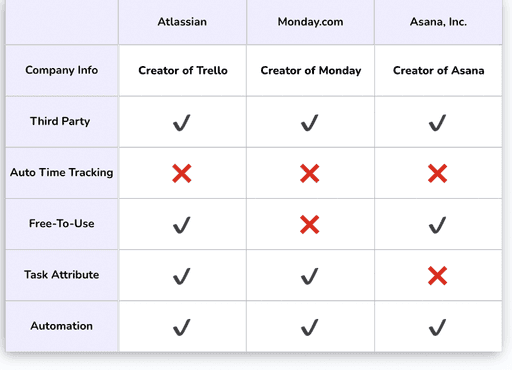
Initially, we assumed students needed fewer tools, but our research revealed they needed clearer structure instead:
KEY TAKEAWAYS
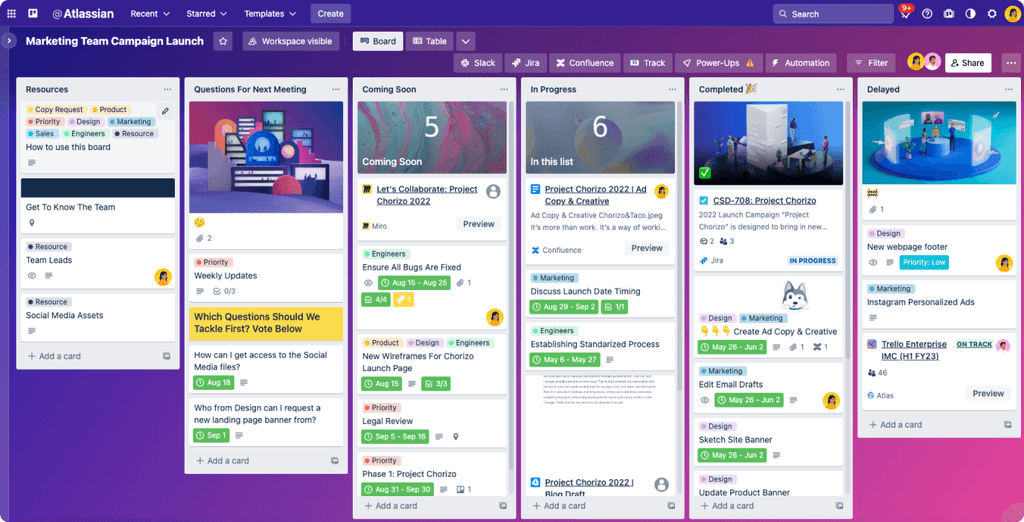
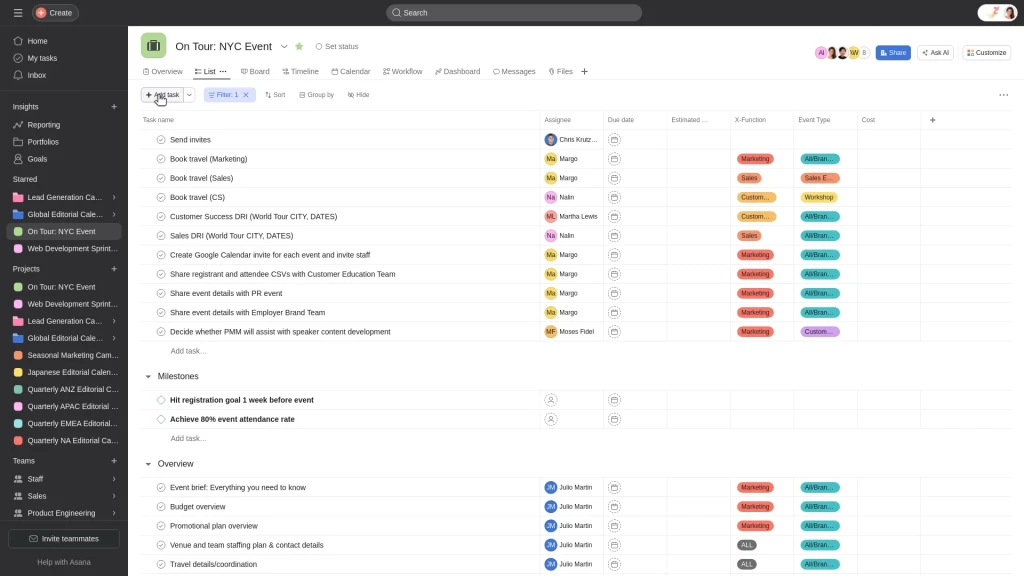
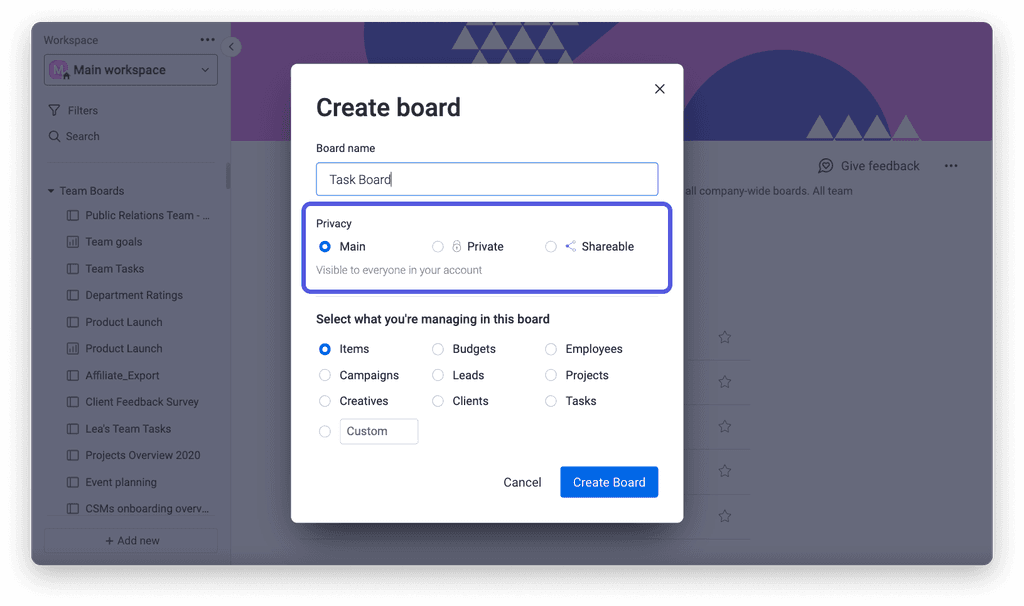
Tools like Trello, Asana, and Monday each offer robust task management, but they come with trade-offs: Trello lacks hierarchy, Asana can feel complex, and Monday hides core features behind paywalls. While powerful, these platforms often prioritize enterprise-scale functionality over simplicity.
CheckMate was designed to fill this gap—offering a focused, accessible workspace where students can organize tasks quickly, collaborate freely, and stay productive without the noise.
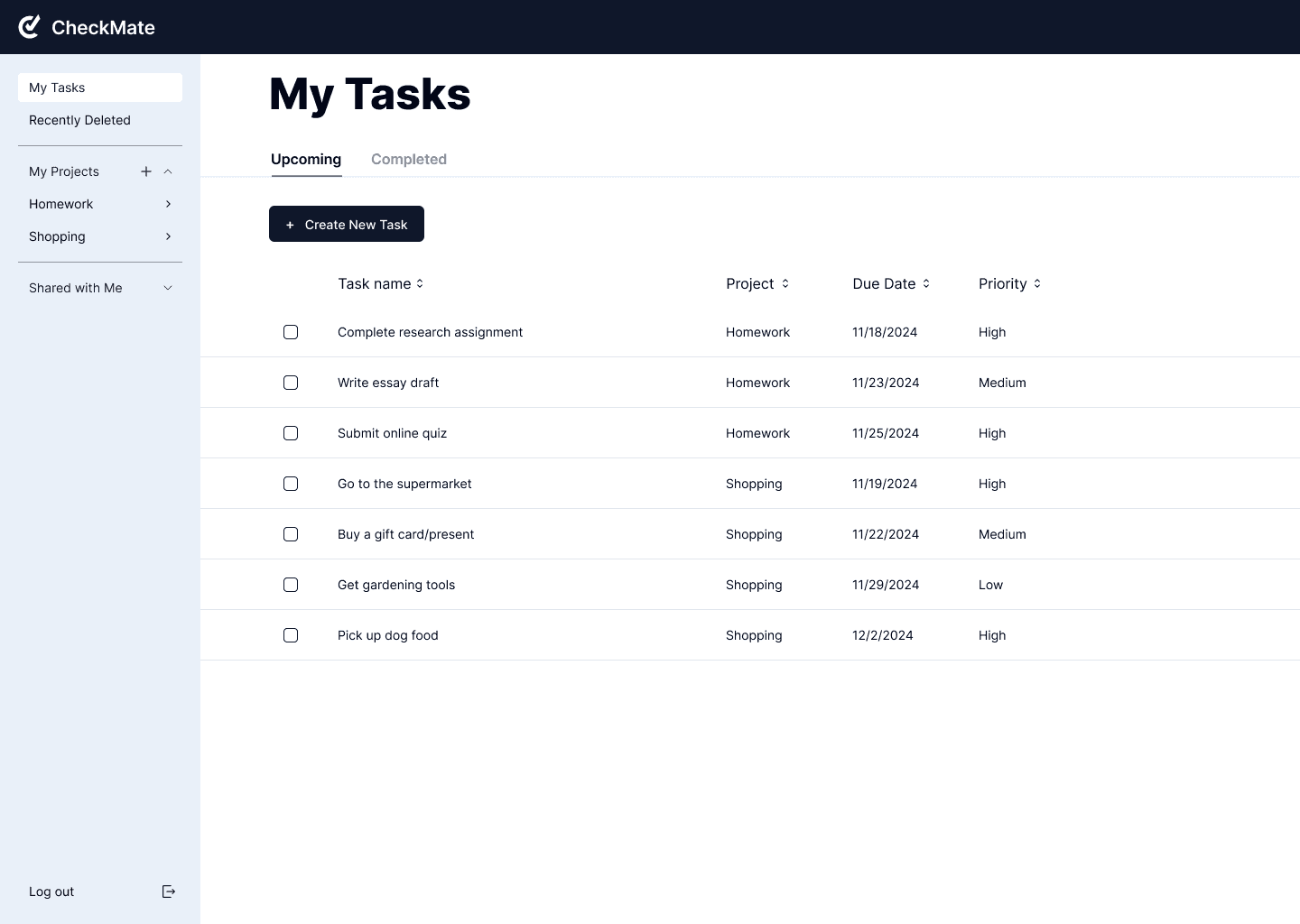
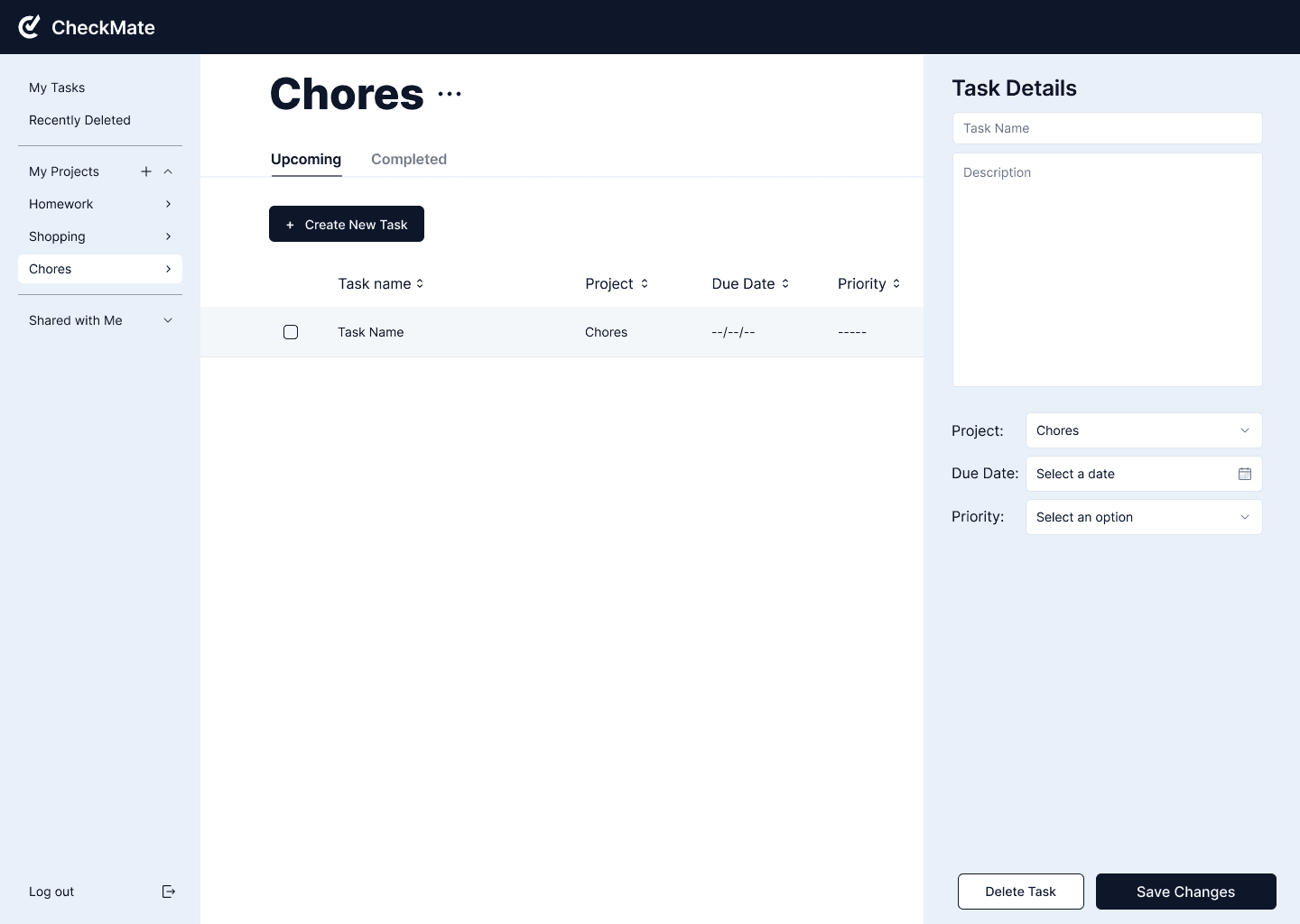
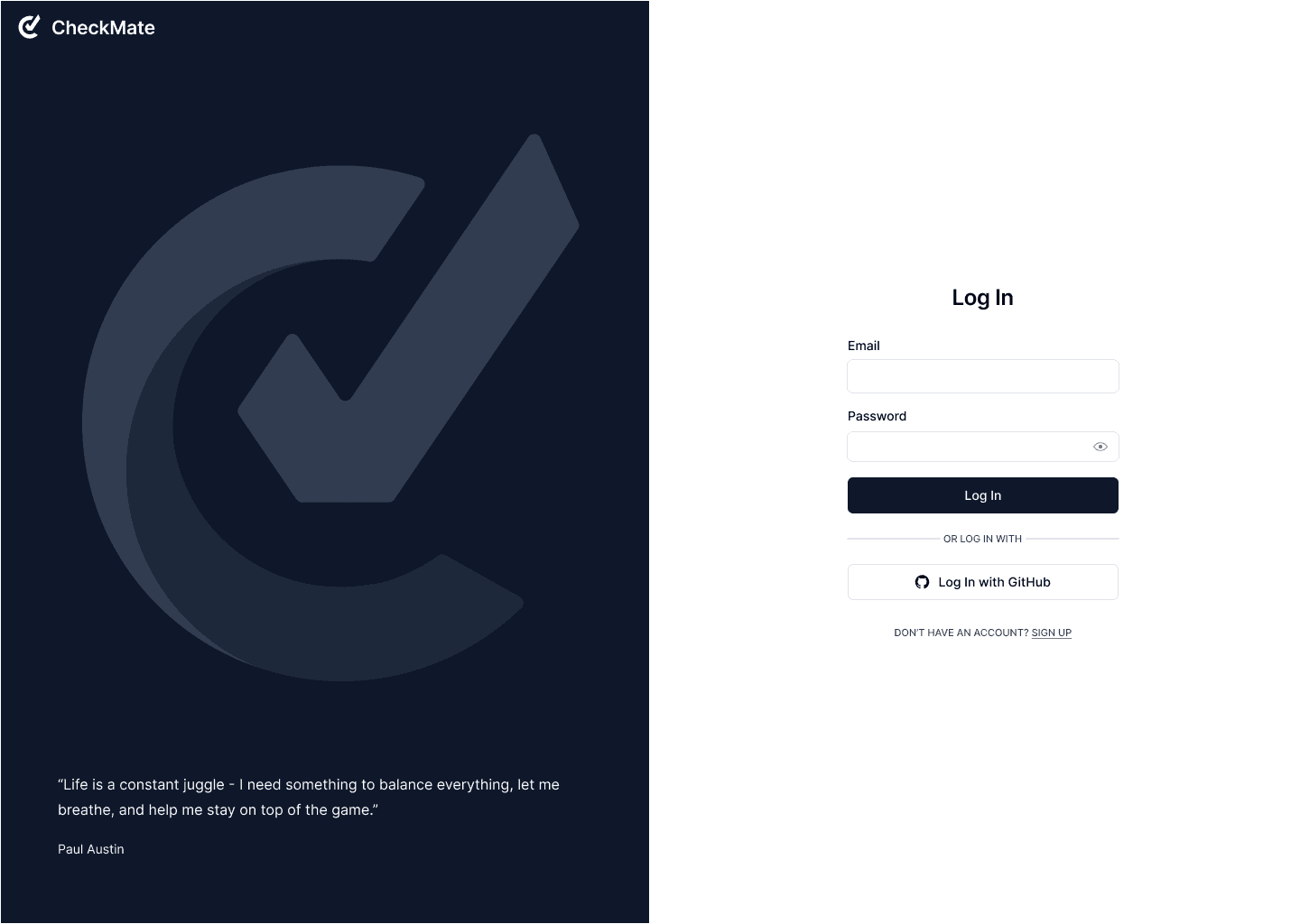
Based on our research, we designed CheckMate: a focused, web-based task manager that helps students organize assignments without the clutter of enterprise tools.
The interface emphasizes simplicity, hierarchy, and speed (three qualities missing from competitors).
USABILITY TESTING & AFFINITY MAPPING
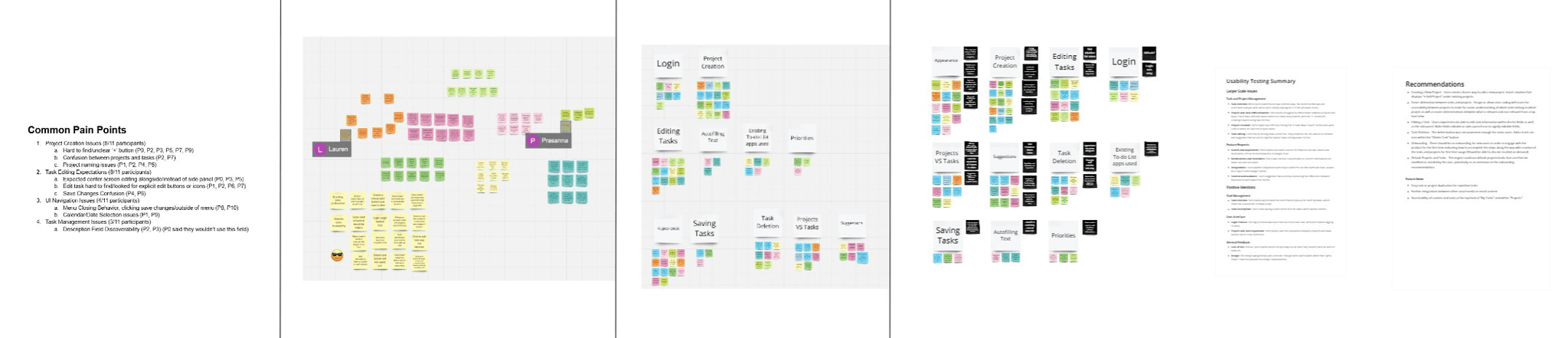
After releasing our prototype, we ran a usability study with 11 participants to test navigation, task hierarchy, and editing flows.
Users appreciated the simplicity but reported several friction points:
"Hidden core actions (e.g., Create Project, Delete Task)"
Reccomendation:
Surface key actions like “Create Project” and “Delete Task” directly in the task list.
"Confusion between projects and tasks"
Recommendation:
Introduce color-coded hierarchy to distinguish projects from subtasks.
"No inline feedback when editing"
Recommendation:
Add inline editing and visual confirmation to reduce friction.
*Due to course time constraints, we couldn’t implement these updates before the final build. However, the feedback revealed clear next steps for improving usability.
GOING FORWARD
Moving forward, CheckMate’s next phase would focus on refining the platform based on continued user feedback and additional usability testing.
Key priorities include validating the effectiveness of recent interface improvements and enhancing functionality with features like expanded social logins, task duplication, recurring tasks, and improved database management.
These updates would strengthen long-term usability, scalability, and the overall student experience.
KEY TAKEAWAYS
As my first large-scale, team-based UX project, CheckMate taught me how collaboration and communication shape great design. Working across multiple teams, GUI, Usability, Requirements, and QA, helped me understand how design decisions ripple through development.
Partnering with our professor and other IBM engineers as our “stakeholders/clients” also gave me valuable insight into balancing stakeholder expectations with user needs. Continuous testing and discussion helped us align around a shared vision and refine our ideas iteratively.
Looking ahead, I’d improve our process by scheduling more frequent cross-team check-ins, documenting evolving requirements more clearly, and introducing earlier, smaller usability tests to strengthen our user-centered workflow.
OUTCOME SUMMARY:
Challenge: Task management tools felt cluttered and overwhelming
Result: CheckMate delivers a calm, intuitive way to stay organized and focused